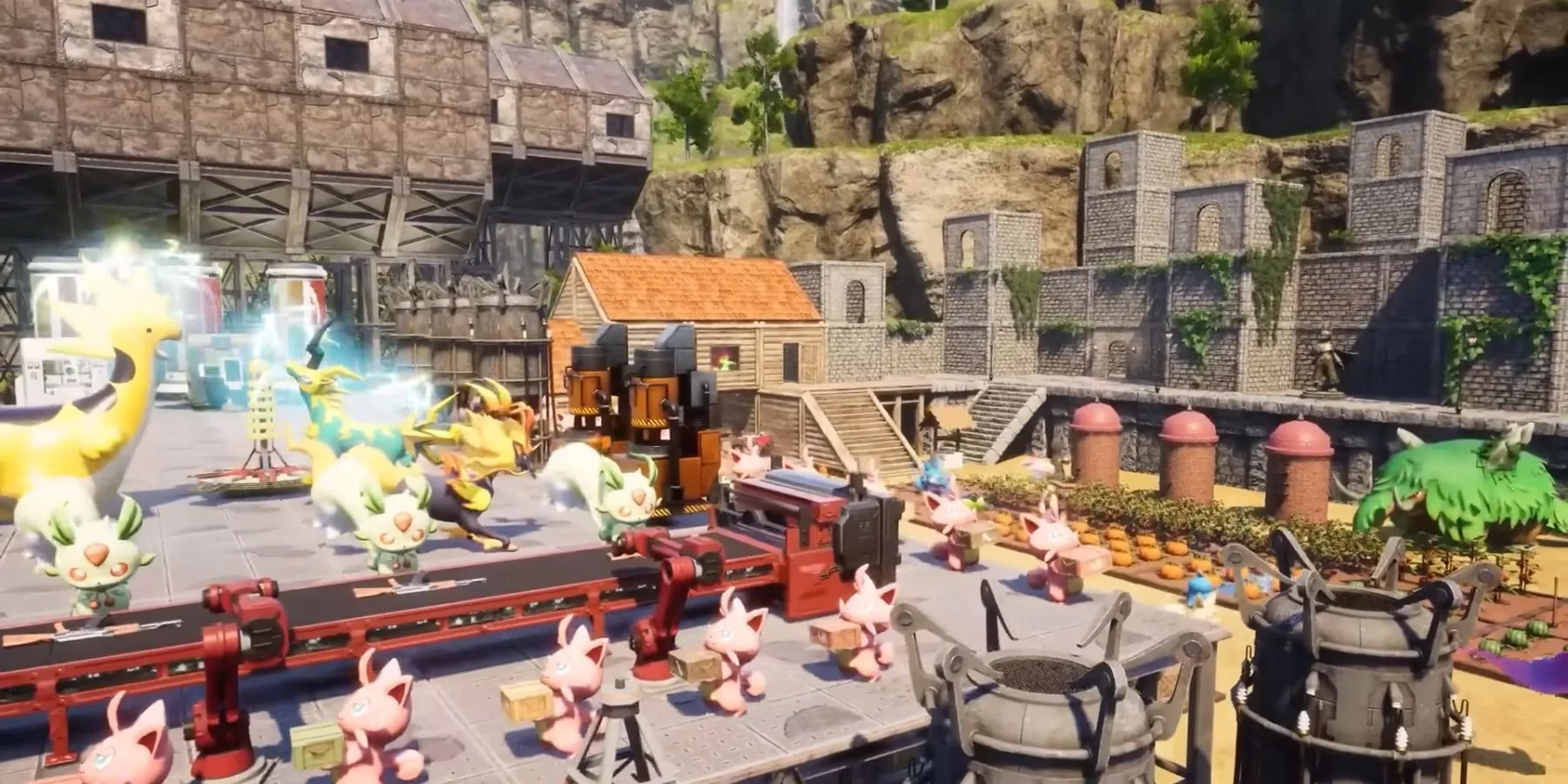
Unlock limitless creativity in Palworld with powerful mods and the essential UE4SS mod loader, transforming gameplay beyond level 50.
In the ever-expanding digital frontier of Palworld, the base game is but a canvas for the collective imagination of its community. By 2026, the journey to level 50 is no longer the final destination but a prologue to a deeper, more personalized adventure. For many, the true magic of Palworld unfolds not at the end of a pre-defined path, but along the myriad trails paved by mods—third-party creations that transform the familiar into the extraordinary. Yet, this alchemy requires a precise and careful hand, for to install a mod is to weave a new thread into the game's very fabric, a process where a single misstep can unravel the experience entirely.
Mods for Palworld are as diverse as the Pals themselves, offering everything from subtle quality-of-life tweaks to grand, thematic overhauls. Some players seek to streamline their journey, installing mods that increase carrying capacity or make capturing elusive Pals a less daunting task. Others are drawn to the nostalgic allure of crossovers, integrating beloved elements from other iconic series into Palworld's ecosystem. This desire for personalization is the engine of the modding community. However, it is crucial to remember that these are unofficial additions; they are digital grafts that, while capable of producing beautiful hybrid blooms, can also introduce instability, bugs, or crashes into your game world.
🛠️ The Foundation: Installing the Mod Loader
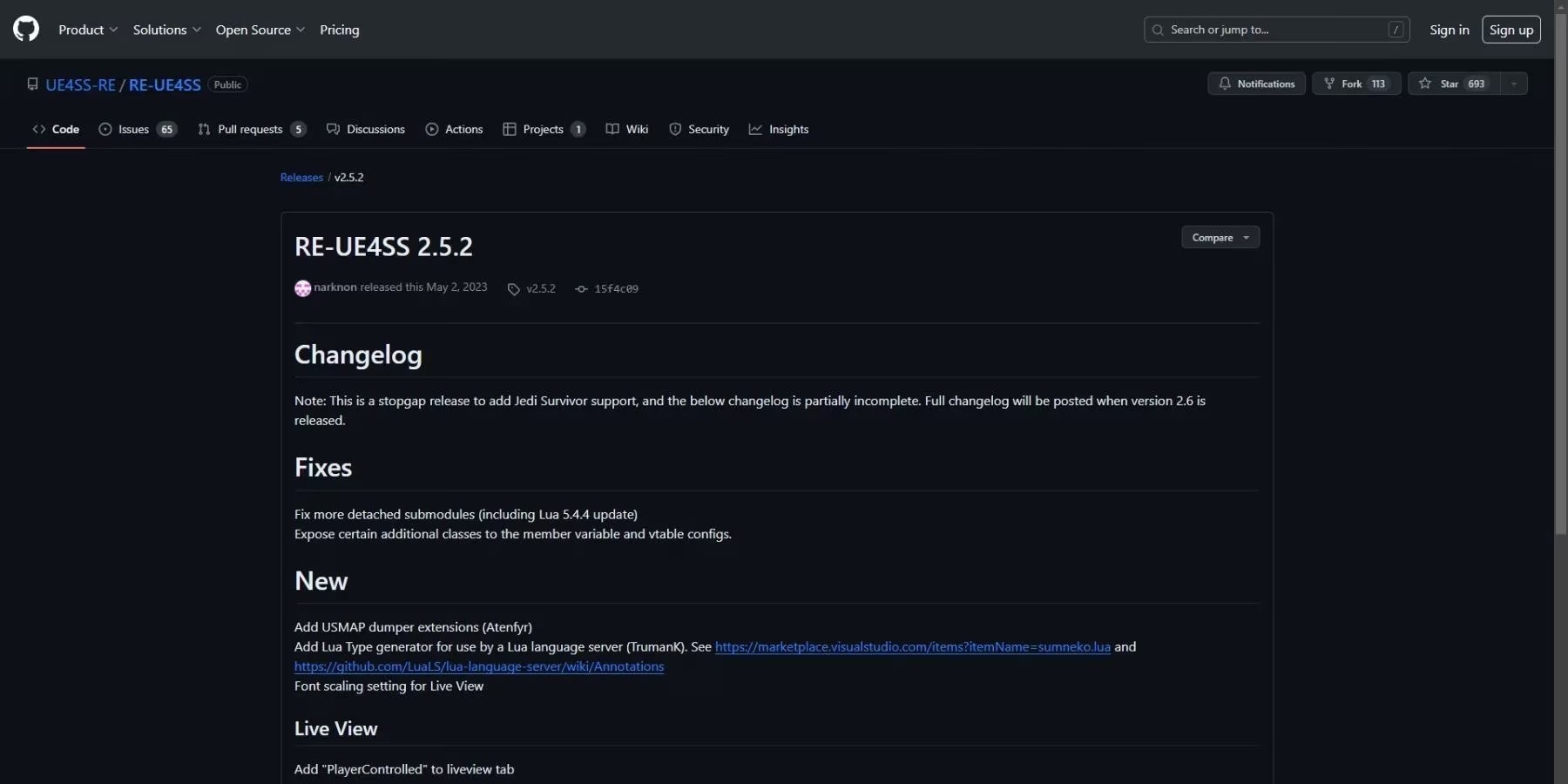
The gateway to this expanded universe is the Unreal Engine Scripting System (UE4SS). Think of it not as a key, but as the very foundation upon which your modded palace will be built. Without it, the intricate scripts and assets of mods have no stage upon which to perform. The current stable version as of 2026 is UE4SS_Xinput_v2.5.2. The installation is a ritual of precision:
-
Download & Extract: Acquire the UE4SS archive and unzip it to reveal its contents.
-
Locate Your Game: Through Steam, find Palworld in your library, right-click, select
Properties>Installed Files>Browse. This opens the sacred directory where the game resides. -
Navigate Deep: Journey into the game's heart by opening the following folders in sequence:
-
Pal -
Binaries -
Win64
-

-
A Crucial Adjustment: Before proceeding, you must perform a vital calibration. Open the
UE4SS-settings.inifile from the extracted UE4SS folder. UsingCTRL + F, search for the linebUseUObjectArrayCacheand change its value fromtruetofalse. Save the file. This step is like tuning an instrument before a concert; it ensures harmony between the mod loader and the game's engine. -
Lay the Foundation: Now, copy all files and folders from the
UE4SS_Xinput_v2.5.2directory into theWin64folder you opened in step 3. -
Create the Mod Sanctuary: Return to the main
Palfolder, then navigate toContent>Paks. Here, create a new folder and name itMods. This folder will serve as a primary vault for many of your future additions.
🌟 Acquiring & Installing Your Mods
With the foundation set, you can now adorn your world. The primary repositories for Palworld mods remain Nexus Mods and CurseForge, bustling digital bazaars filled with creations. Always read a mod's description thoroughly—some are standalone, while others require specific dependencies or tools to function, like a complex machine needing all its parts.
Once downloaded and unzipped, installation typically follows one of two paths, as distinct as the flight patterns of different Pals:
-
The
.pakMethod: If your mod's main file has a.pakextension, simply copy or move it directly into theModsfolder you created insidePal\Content\Paks. This is often the simplest route. -
The Modular Folder Method: Some mods come as a collection of files in a folder. For these, you must place the entire mod folder into a different location:
Pal\Binaries\Win64\Mods. If aModsfolder doesn't exist there, create it.
For mods installed via the second method, a final, crucial step remains. Inside the Win64\Mods folder, you will find a file named mods.txt. Opening it reveals a ledger where all active modular mods must be registered. To activate a new mod, add a new line in the format YourModFolderName : 1. For example:
BetterPalAI : 1

PokemonTexturePack : 1

InfiniteStamina : 1

Save the file. The precision here is paramount; the folder name entered must match the mod's folder name exactly, a requirement as unforgiving as a perfect catch on the first throw.
⚠️ Words of Caution for the Modding Tamer
Embarking on this path requires the wisdom of a seasoned Tamer. Consider these final advisories:
-
Backup Religiously: Before installing any mod, create a backup of your save files. They are the irreplaceable chronicles of your journey.
-
Add Gradually: Introduce mods one at a time, testing the game's stability after each. This makes identifying the source of any conflict as clear as tracking a footprint in fresh snow.
-
Mind the Updates: Game updates in 2026 can and will break mods. Be prepared to disable them or wait for mod authors to release patches after a major Palworld update. A modded game is a living ecosystem, not a static painting.
-
Embrace the Community: Forums and mod pages are your best resource for troubleshooting. The solution to your problem has likely been found by another traveler on the same path.
To mod Palworld is to engage in a form of collaborative world-building. It is an act of taking the developer's creation and whispering your own stories into its code. The process, while technical, is the silent ritual that transforms a shared game into a personal saga. With patience and care, you can weave new textures, mechanics, and dreams into the world of Pal, ensuring that your adventure there remains as boundless as your imagination. The frontier awaits, not just to be explored, but to be redefined.